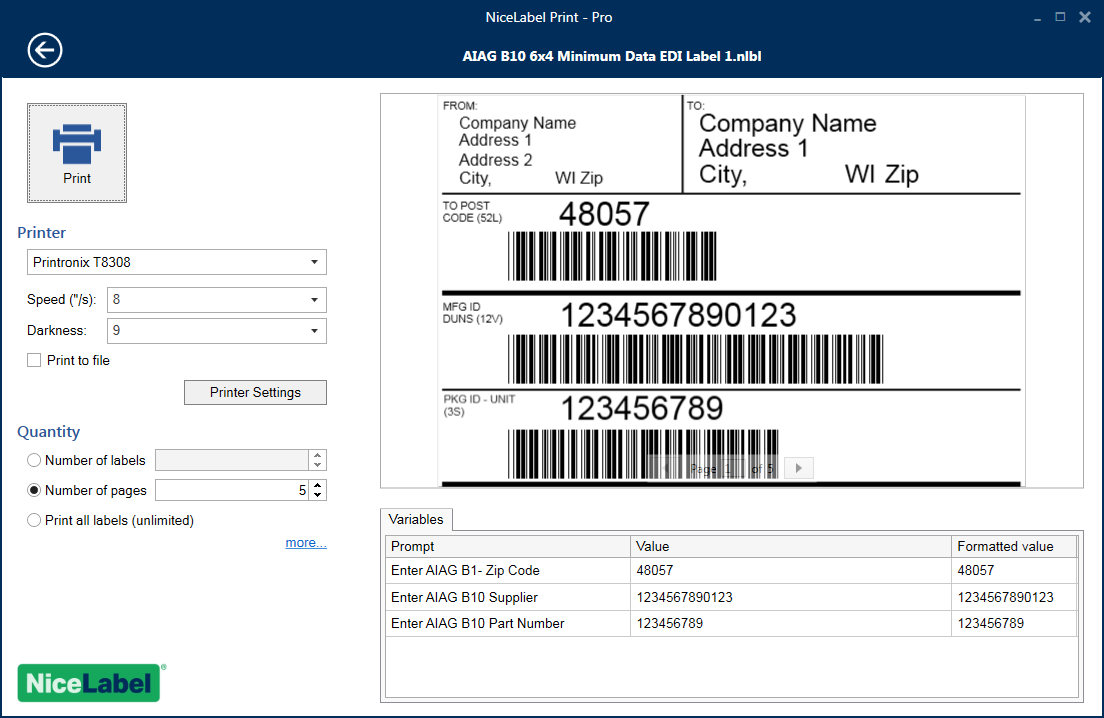
Print quickly without errors
Printing the right label template with the right data is business-critical for a company of any size. NiceLabel ensures print operators experience a simple interface providing them with everything they need and no distractions. The result is a quick and accurate printing process.
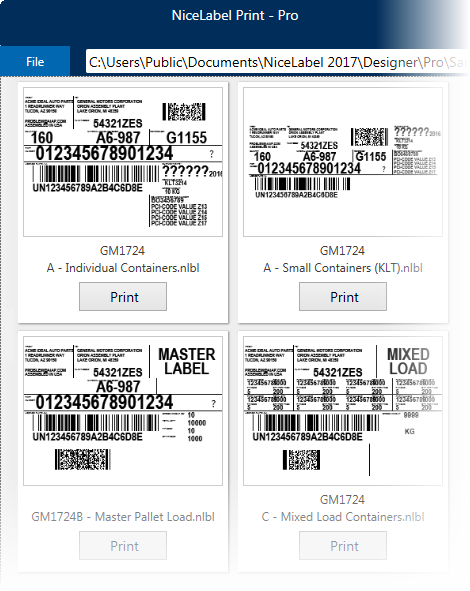
Print with fewer errors
Labels are not designed every day but they are printed every day. It is critical to ensure the printing process is streamlined and accurate. The print operators must be able to quickly select the correct data, adjust printer settings and preview the label print job. Operators should not be able to change the label template.
Label printing requires a special interface that ensures data accuracy, prevents accidental label template changes and minimizes the learning curve for production and warehouse print operators.
NiceLabel Print for print productivity
NiceLabel Print is the module created for the print operator. It allows the users to select the right label template, but prevents them from modifying it. The “all-in-one” printing form includes all data entry fields, database navigation and selection, printer settings and a print preview of the entire print job so the operators print efficiently and without errors.
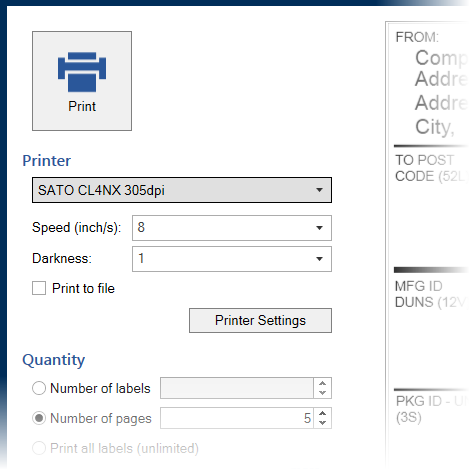
Print controls for better quality and faster user onboarding
An important part of the printing interface is an easily recognizable print button with a printer icon so that even the first time user knows where to click. If required, the user can change the printer or its settings directly from the form. This makes is easy to achieve perfect label print quality.
Works with any kind of printer
NiceLabel Print optimizes commands for the selected printer to achieve the maximum quality and performance. It works with all:
> Laser printers
> Thermal printer
> RFID printers
NiceLabel Print works best with NiceLabel printer drivers delivering the best native control and performance.