Controlled printing reduces errors and improves productivity
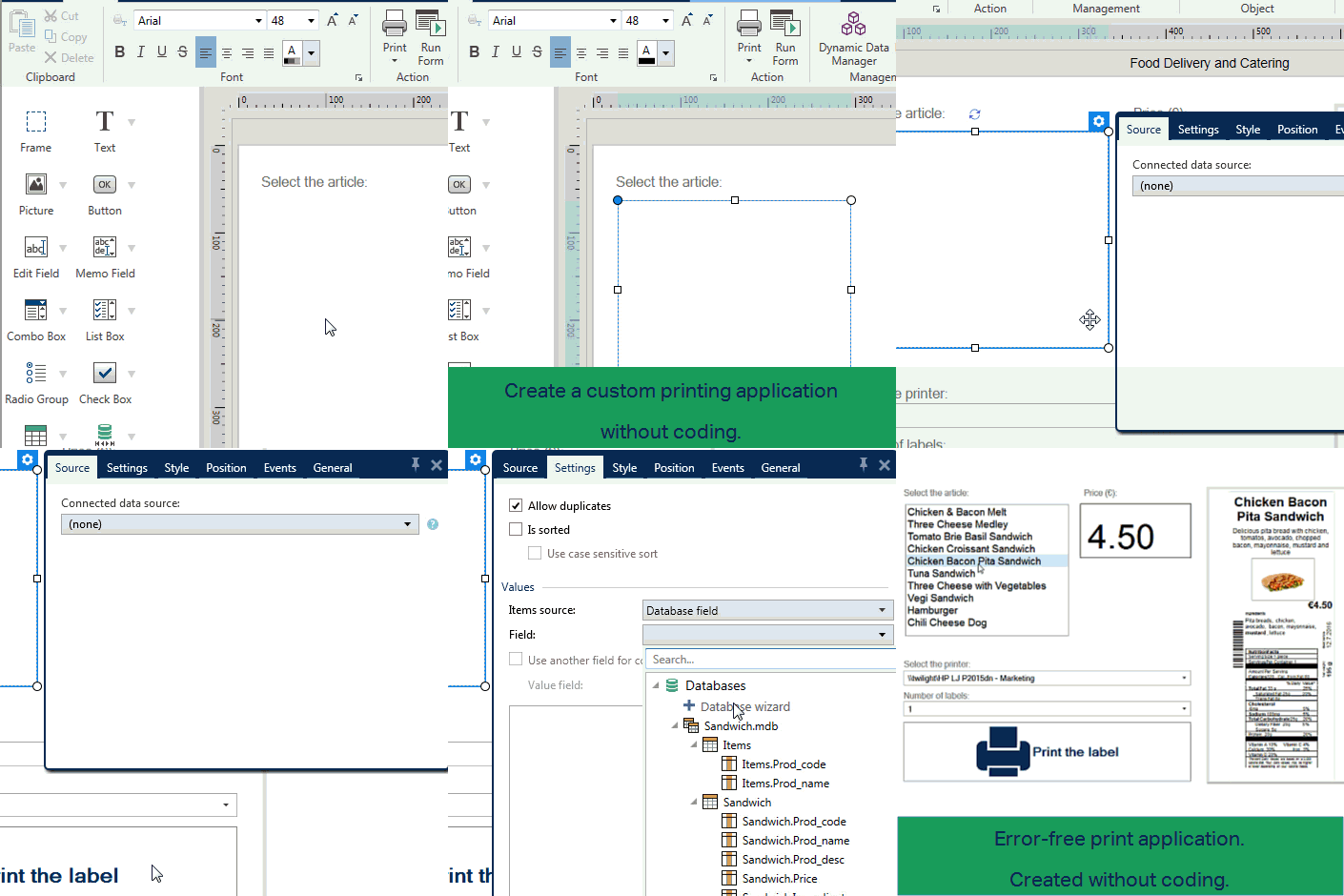
NiceLabel’s all-inclusive suite of Design & Controlled Print software provides business users with a graphical label and form designer, controlled manual printing application and automation builder for integrating with existing business systems.
This powerful functionality removes the need for programmers to develop their own custom printing front-end or integration applications, which are difficult and costly to maintain. Business users can rapidly create a printing solution that streamlines label printing, prevents errors and mislabeling, reduces labor costs and improves overall print productivity.
Why Forms
Reduce manual printing efforts and achieve new levels of accuracy
Businesses can significantly reduce manual printing effort and achieve new levels of accuracy and control by using PowerForms unmatched on-demand print capabilities. PowerForms features empower business users to create custom printing applications, streamline complex printing processes and eliminating errors.
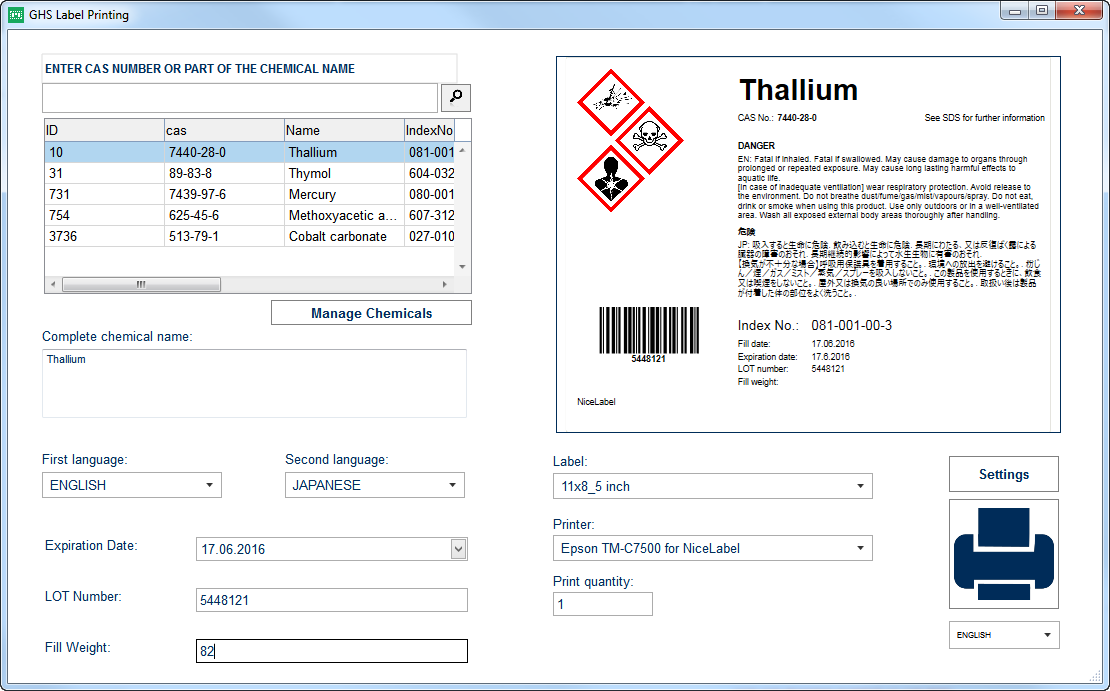
Prevent printing errors
Streamline complex printing processes
Simplify the print process for nonskilled workers
Maintain label integrity
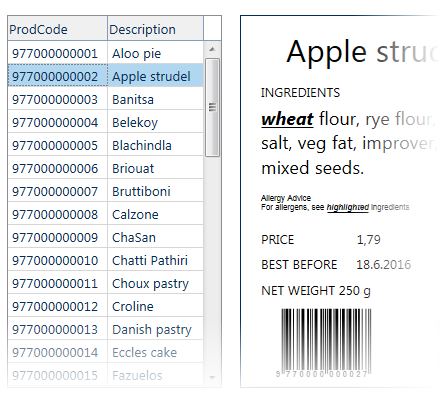
Minimize manual data entry
Instead of requiring print operators to manually change label content, connect labels to a database and simplify data entry and selection. Consider initiating on-demand printing via a simple scan or press of a touch screen.
Responsive, touchscreen-ready interface
Resizable buttons and other controls enable you to create a form that adapts automatically to any screen resolution or size.
Made for labeling
Real-time data preview inside of the same forms ensures the user can verify if the label template and data are correct before printing.
Why automation?
Integrated printing with your existing business systems reduces risks of labeling errors and improves print productivity
Businesses can significantly reduce printing effort and achieve new levels of accuracy and productivity by using the Automation module’s unmatched integration capabilities. Automation’s features empower business users to integrate and automate printing from existing business systems without any coding. Automation also lets you integrate printing with hardware devices such as PLCs or weight scales. Automation empowers you to streamline complex printing processes, eliminating errors and improving print productivity.
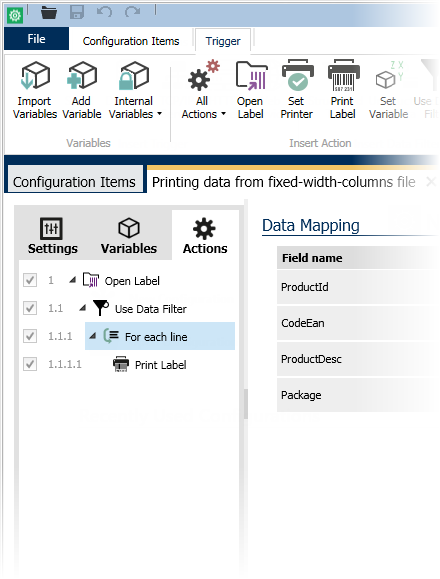
Integration without coding
NiceLabel Automation accepts and transforms data in any format so you don't have to customize your existing business systems or applications.
Works with all printers
NiceLabel Automation uses universal and dynamic label templates that work across thousands of printer models, which substantially reduces number of label variations and simplifies label management.
Data mapping
The built-in data mapping wizard helps you easily extract and map data from common formats like CSV or fixed-width text files. The mapping tool also supports legacy system modernization by supporting data in unstructured formats such as legacy reports or printer commands. Even binary data can be extracted and mapped!
Unmatched performance and reliability
Automation was architected from the ground up for the modern 64-bit multi-core architecture to provide the fastest, most reliable and efficient printing capability. Automation is a 100% native 64-bit application that eliminates the need for additional technology layers required by the previous generation of 32-bit applications. Automation includes NiceLabel’s next-generation “64-bit print engine" that takes advantage of new technologies to maximize print productivity while using minimum computer resources.
Business rules for maximum flexibility
Business rules allow for workflows and printing logic to be easily reconfigured, without any coding, so you can rapidly adapt the process to changing requirements without using development resources.